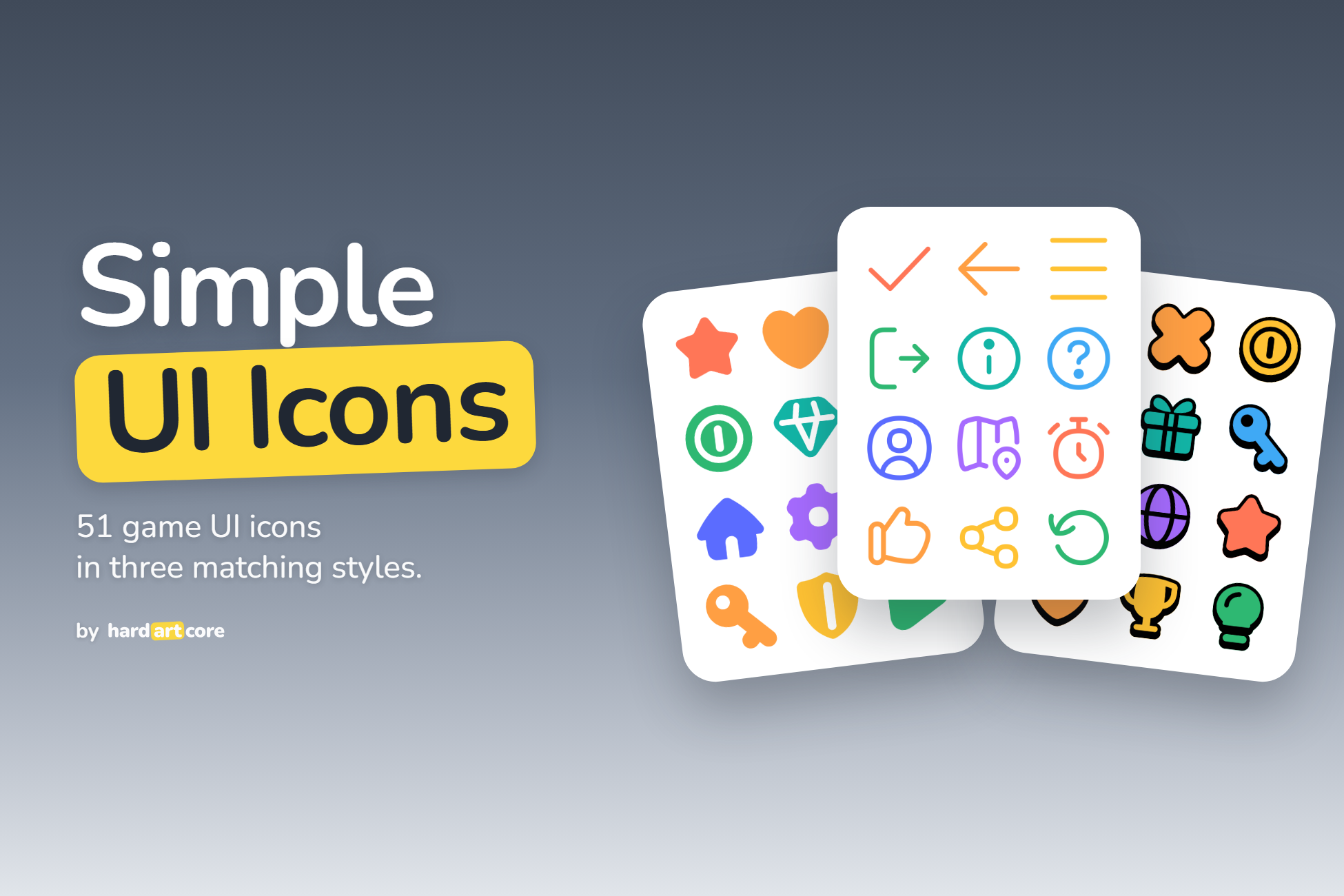
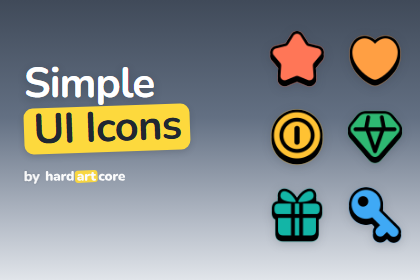
51 free game UI icons, each in three matching styles.
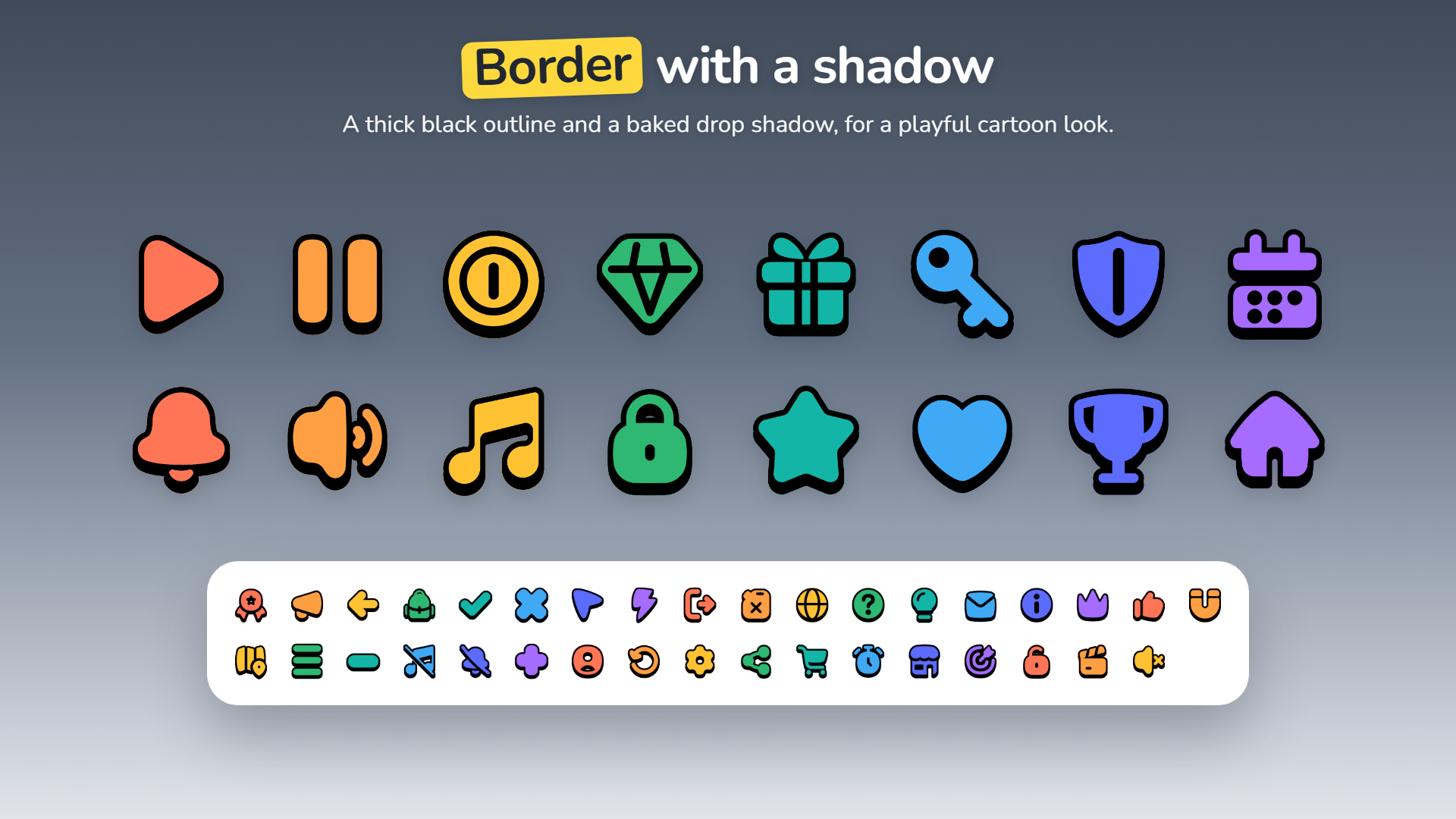
Simple UI Icons gives you the buttons every game needs (home, back, menu, settings, shop, coins, gems, gifts, sound, play and pause, locks and more) as clean 512 × 512 sprites. Every icon comes Filled, Line and Border, so the whole set matches whichever look you pick.
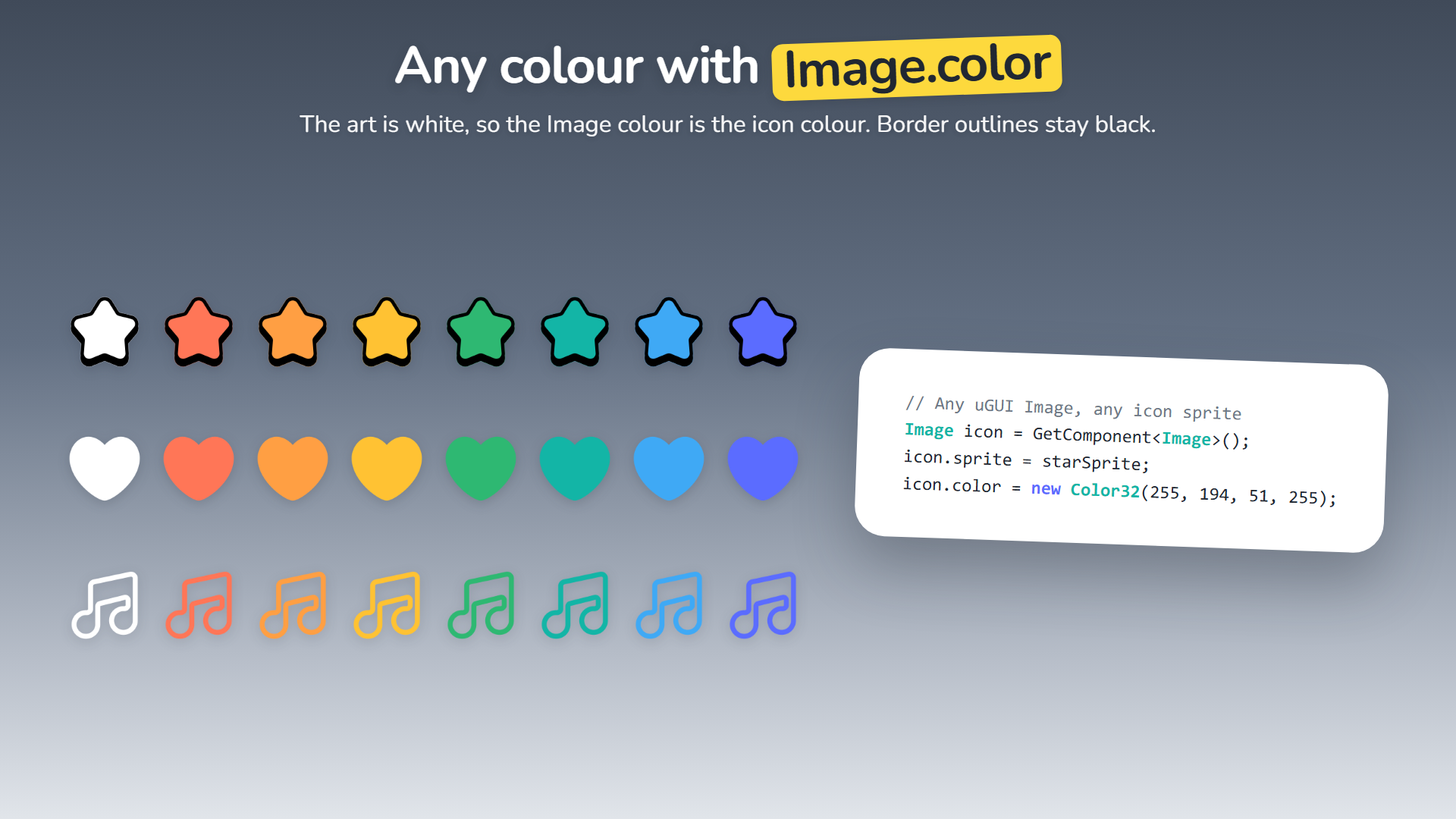
The art is white, so you tint it with the Image colour: one sprite, any colour. In the Border style the black outline and shadow stay black. Everything is already imported as sprites; drag one onto an Image and you are done.
51 icons
The buttons every game needs, from home and settings to coins, gems and gifts.
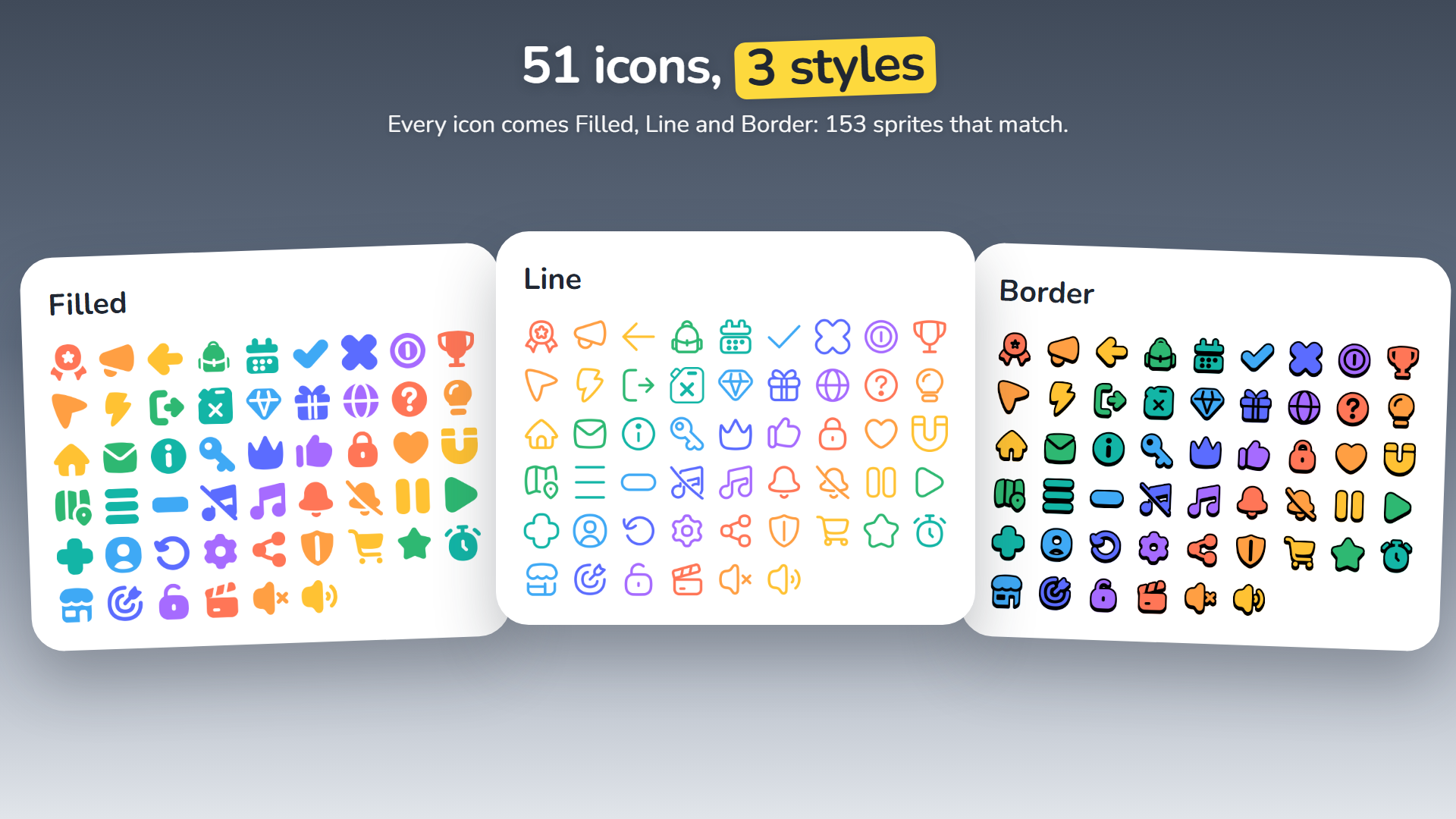
Three styles
Filled, Line and Border versions of every icon, 153 sprites in all.
Tint to any colour
White art: one sprite, any colour through the Image colour.
Free
Ready-to-use sprites and a demo scene, free for any project.
Description
ICONS
- 51 icons: achievements, announcement, back, backpack, calendar, check, close, coin, cup, cursor, energy, exit, fuel, gem, gift, globe, help, hint, home, inbox, info, key, leaderboards, like, locked, love, magnet, map, menu, minus, music on, music off, notifications on, notifications off, pause, play, plus, profile, refresh, settings, share, shield, shopping cart, star, stopwatch, store, target, unlocked, video, volume on, volume off
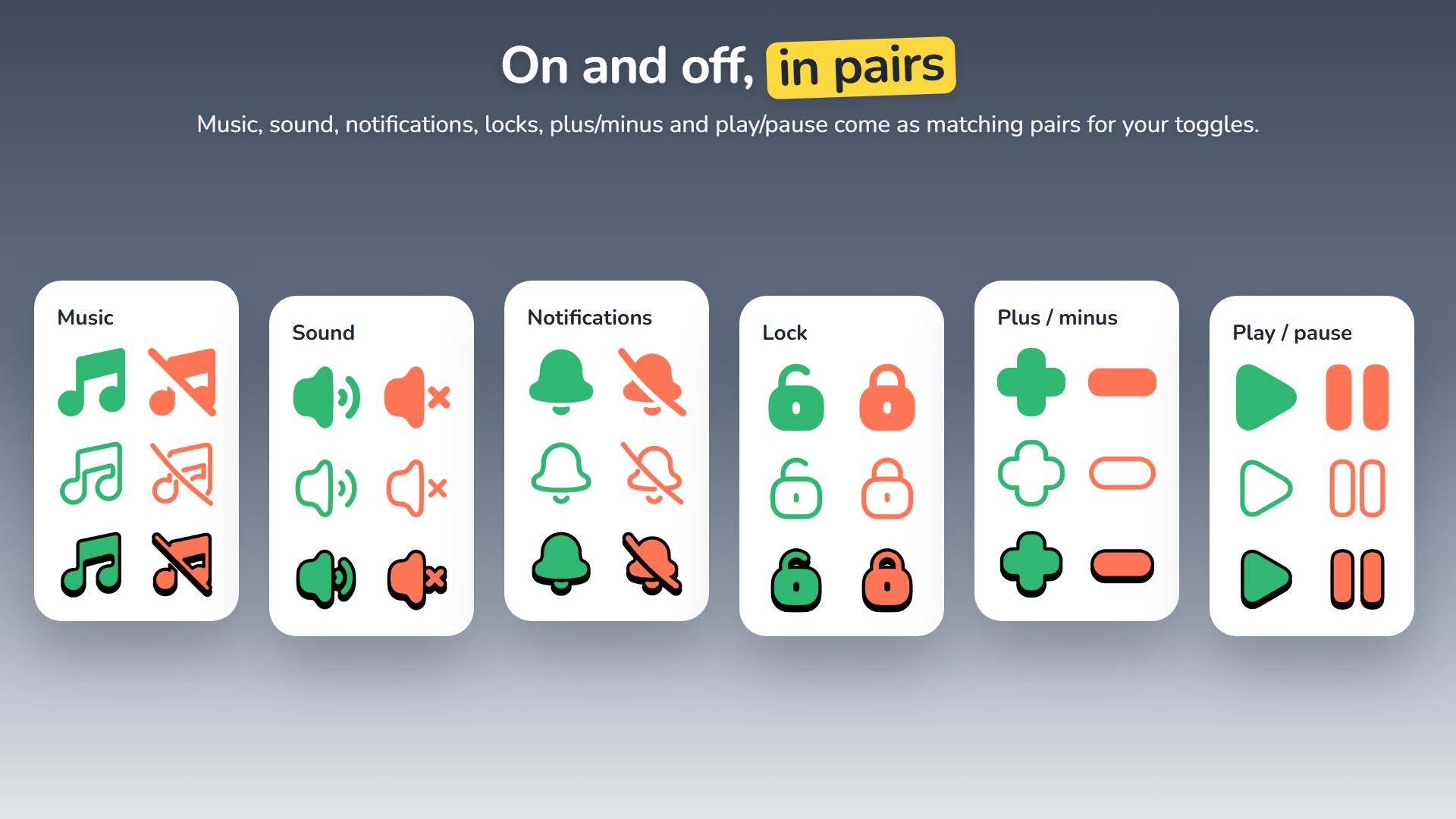
- On / off pairs for toggles: music, sound, notifications, lock, plus / minus, play / pause
STYLES
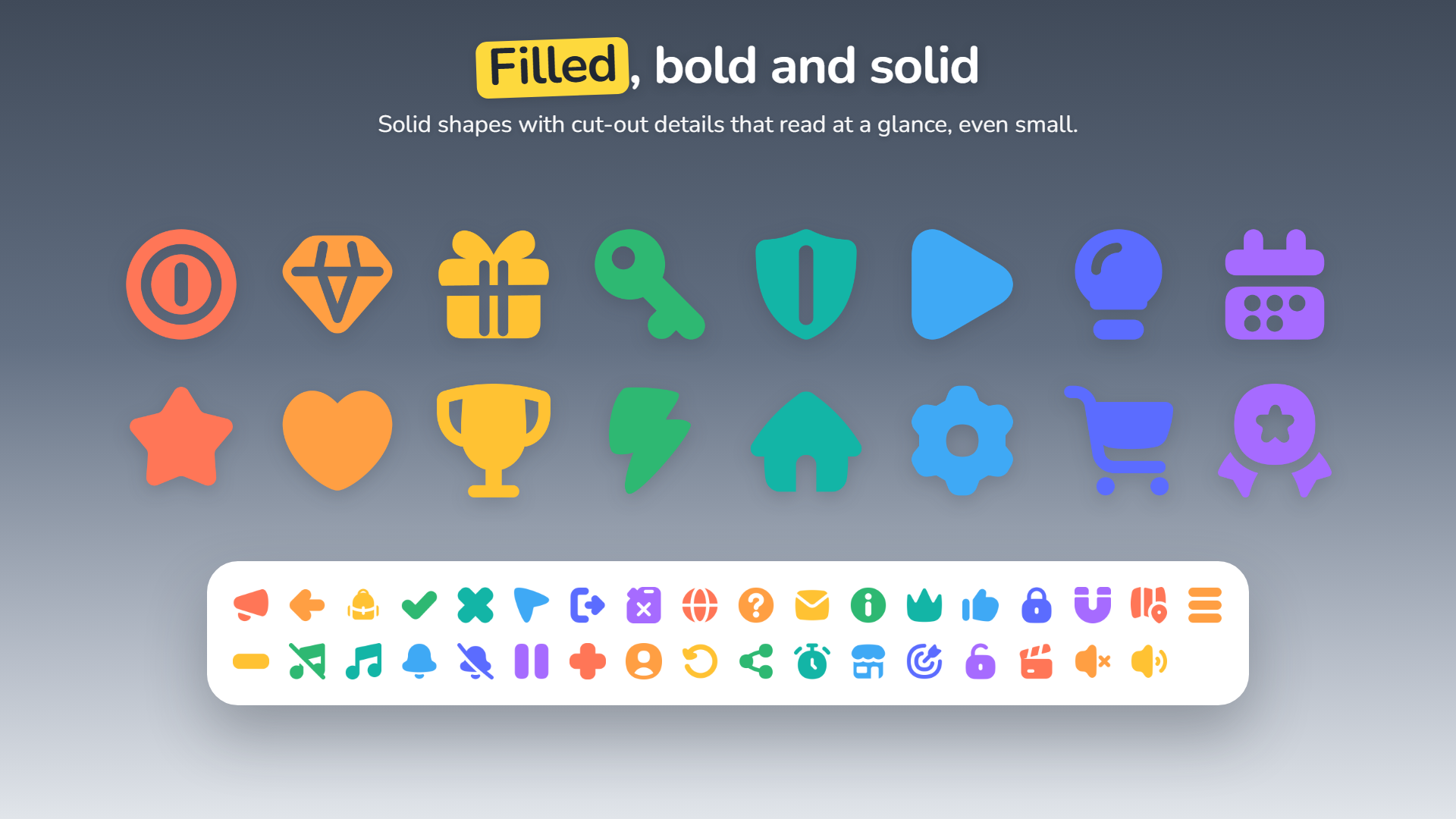
- Filled: solid shapes with cut-out details, readable at small sizes
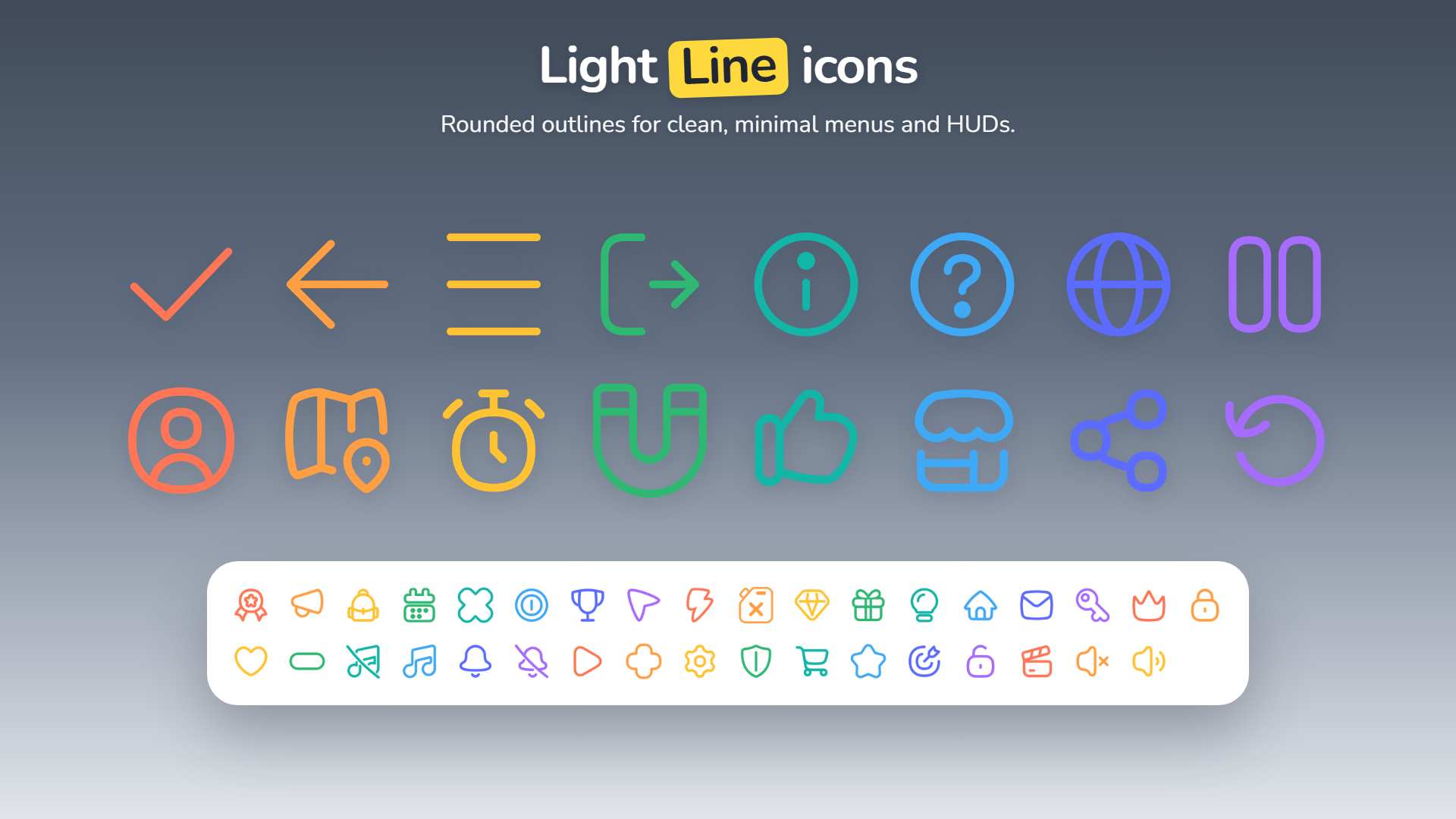
- Line: rounded outlines for clean, minimal menus and HUDs
- Border: a thick black outline and a baked drop shadow, for a cartoon look
READY TO USE
- 153 PNG sprites, 512 × 512, imported as Sprite (2D and UI)
- White art: tint with Image.color, SpriteRenderer.color or UI Toolkit’s background tint
- A demo scene with every icon in every style
REQUIREMENTS
- Unity 6 (6000.0) or newer for the demo scene; the PNGs themselves work in any version
TECHNICAL DETAILS
- 51 icons × 3 styles (Filled, Line, Border) = 153 sprites
- Format: PNG, 512 × 512, transparent background
- Colour: white (Border: white with a black outline and drop shadow), made to be tinted
- Import: Sprite (2D and UI), Single, Alpha Is Transparency
- Demo: 1 scene (Scenes/DemoScene) with all icons in scroll views
- See the documentation
If you have any questions, requests or something isn’t working, please send me an email at: support@hardartcore.com
Release notes
- v1.3 (Released: Nov 18, 2026)
- Add: 16 new icons in all three styles: Play, Pause, Check, Back, Menu, Exit, Info, Help, Coin, Gem, Gift, Key, Shield, Hint, Calendar and Globe.
- Update: the demo scene shows the new icons and its scroll views size to their content.
- Fix: removed the duplicate Fuel icon from the demo scene.
- New online and offline documentation.
- v1.2 (Released: Mar 21, 2025)
- Add: New icons: Magnet, Plus, Close, Minus, Music on, Music off, Energy and Star, in all three styles.
- Add: New icons: Magnet, Plus, Close, Minus, Music on, Music off, Energy and Star, in all three styles.
- v1.1 (Released: Mar 5, 2025)
- Add: New Border style, with a black outline.
- Add: Fuel icon.
- Update: Backpack icon.
- v1.0 (Released: Feb 28, 2025)
- First release.