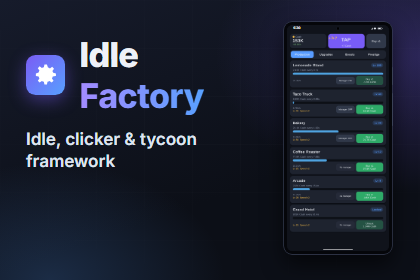
Make an idle game by describing it, not by coding it.
Create resources, production nodes, upgrades and boosts as assets, drop one component into a scene and press Play. Idle Factory runs the economy, catches up offline time, saves, and gives you a ready-made HUD and editor tools to balance it.
Try it in 30 seconds: Window › Idle Factory › New Idle Game, type a name, press Create, press Play.
Description
ENGINE
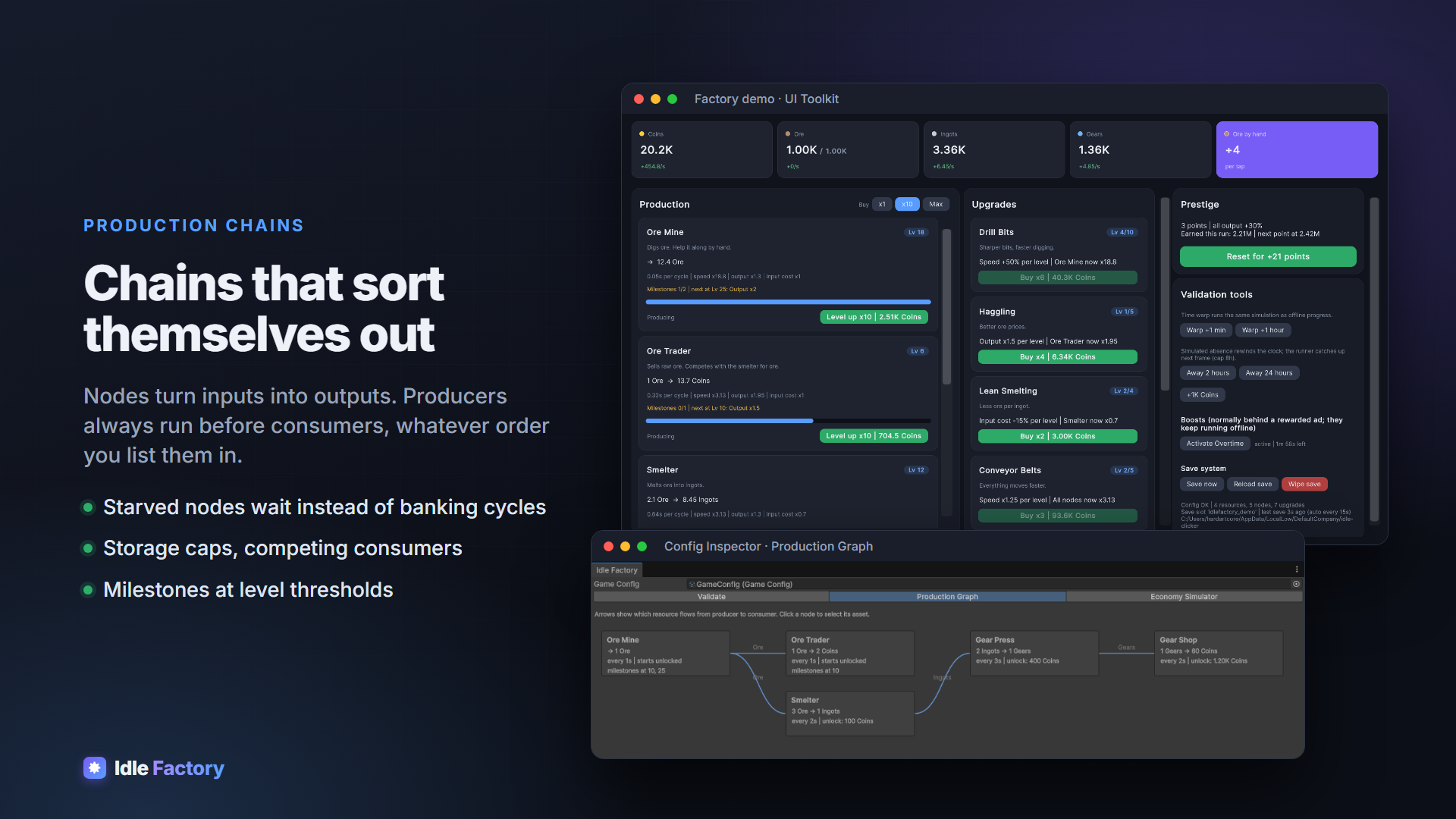
- Production chains: nodes turn inputs into outputs, and producers always run before consumers, in any order you list them
- Starved nodes wait instead of banking cycles, so there are no bursts when inputs return
- Unlocks, levels with exponential price curves, milestones at level thresholds
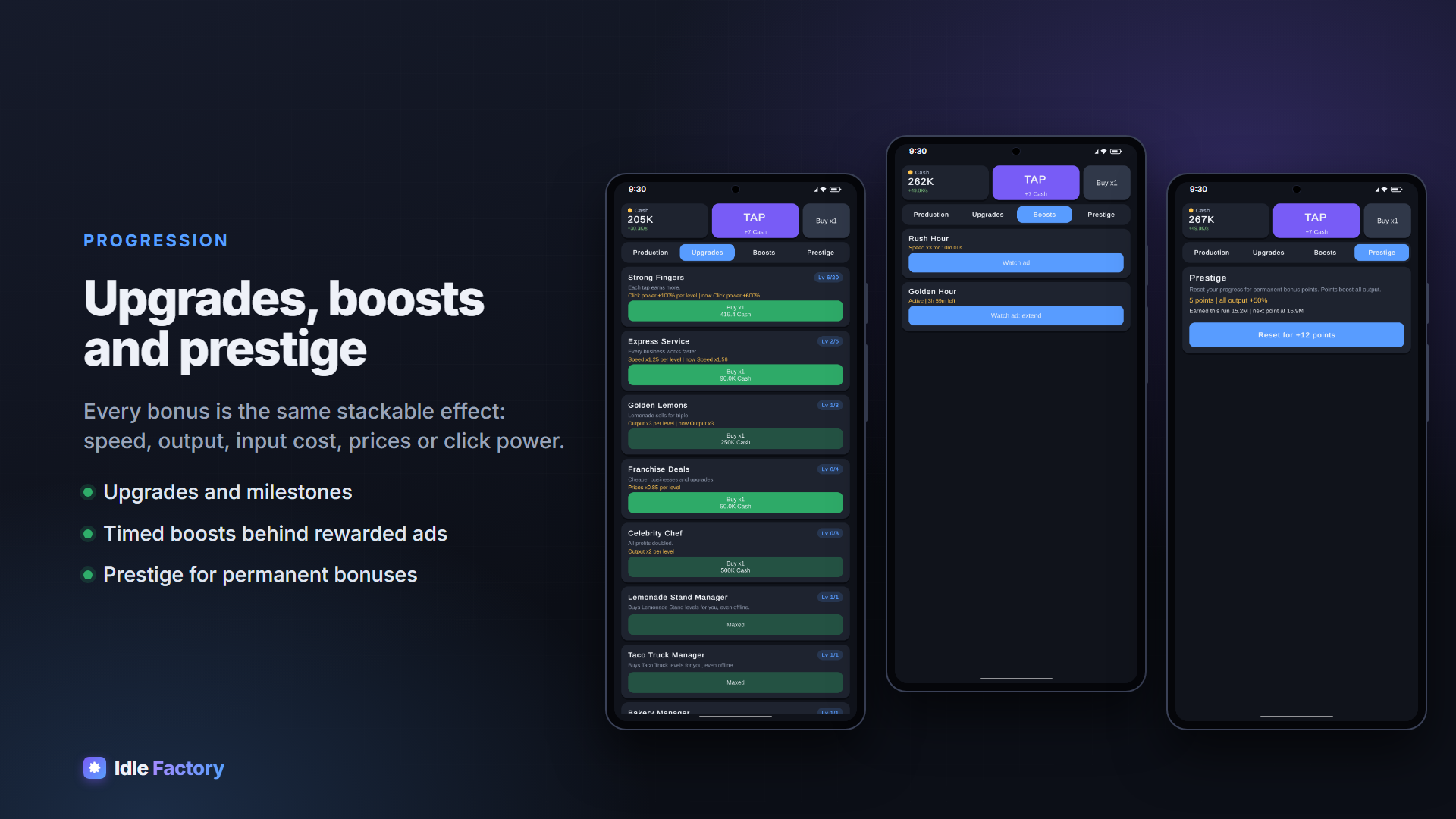
- Upgrades, milestones, boosts and prestige all use one stackable effect system: speed, output, input cost, prices, click power
- Clicking with critical hits
- Resource caps, competing consumers, big numbers with suffixes up to 1e90
OFFLINE PROGRESS THAT MATCHES LIVE PLAY
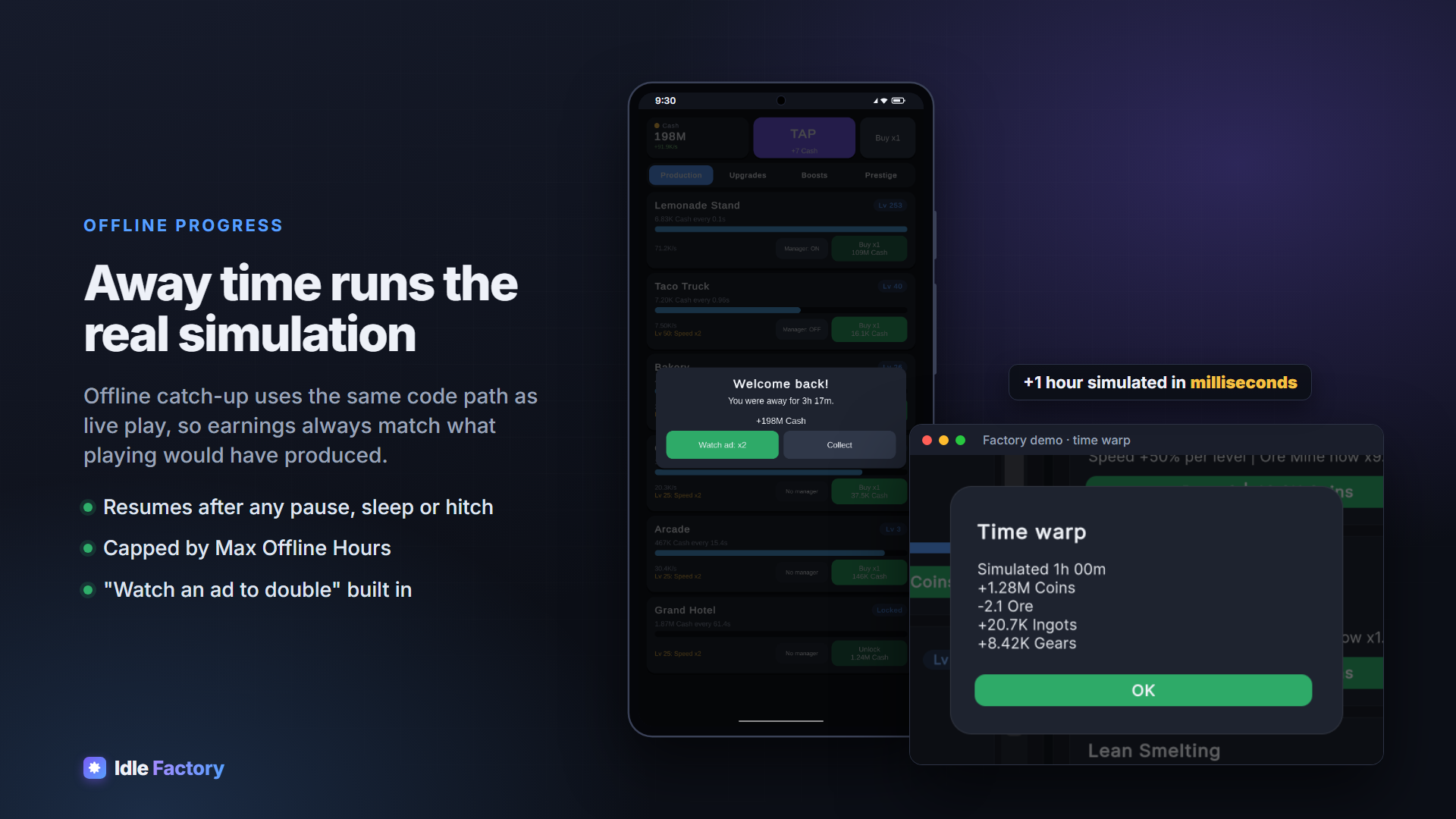
- Offline catch-up runs the same simulation as live play, so away earnings always match what playing would have produced
- Catches up after app suspend, laptop sleep, editor pause or a long hitch
- Configurable cap, a “welcome back” report, and “watch an ad to double”
- Time-warp rewards with one call
SAVING YOU CAN SHIP
- Saves match content by Id, so adding, removing or reordering content in an update never breaks saves
- Atomic file writes with a backup, and corrupt saves are parked and recovered from the backup
- Optional HMAC tamper signing; PlayerPrefs automatically on WebGL
- Pluggable storage for cloud saves, and migration hooks for renamed Ids
MODULES
- Prestige: reset for permanent bonus points
- Managers: hire automation that buys levels for the player, even offline, within a budget
- Offline notifications: “production stopped” and reminder notifications on Android/iOS (uses Unity’s Mobile Notifications package)
- Rewarded-ad bridge: connect LevelPlay, Unity Ads, AdMob or any SDK with one small class (a simulated provider is included for testing)
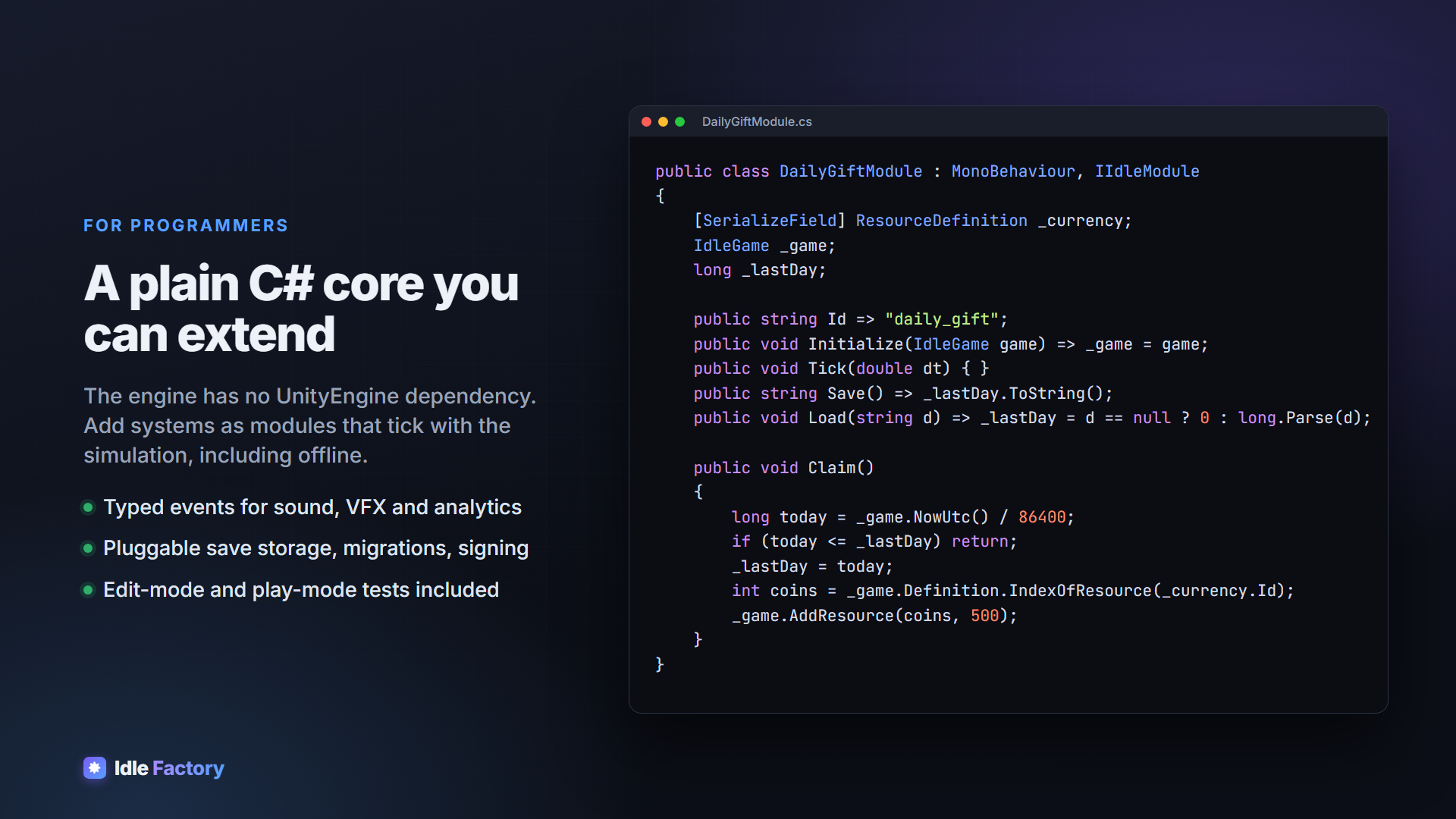
- Your own systems: implement one small interface and they tick with the simulation, offline included
DROP-IN UI (uGUI + TextMeshPro)
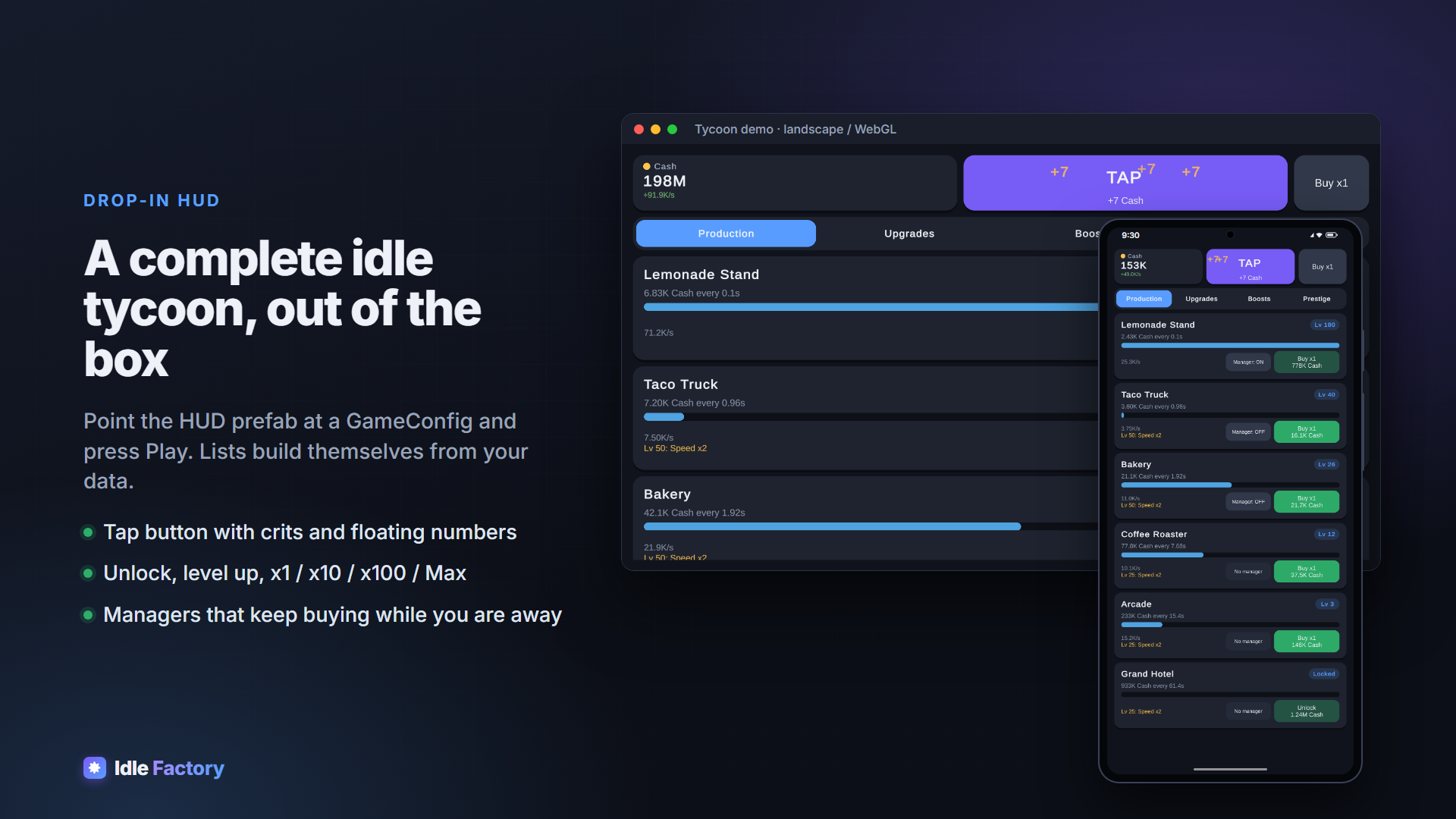
- Complete HUD prefab: resource bar, tap button with floating numbers, x1/x10/x100/Max, Production / Upgrades / Boosts / Prestige tabs, welcome-back popup
- Lists build themselves from your GameConfig
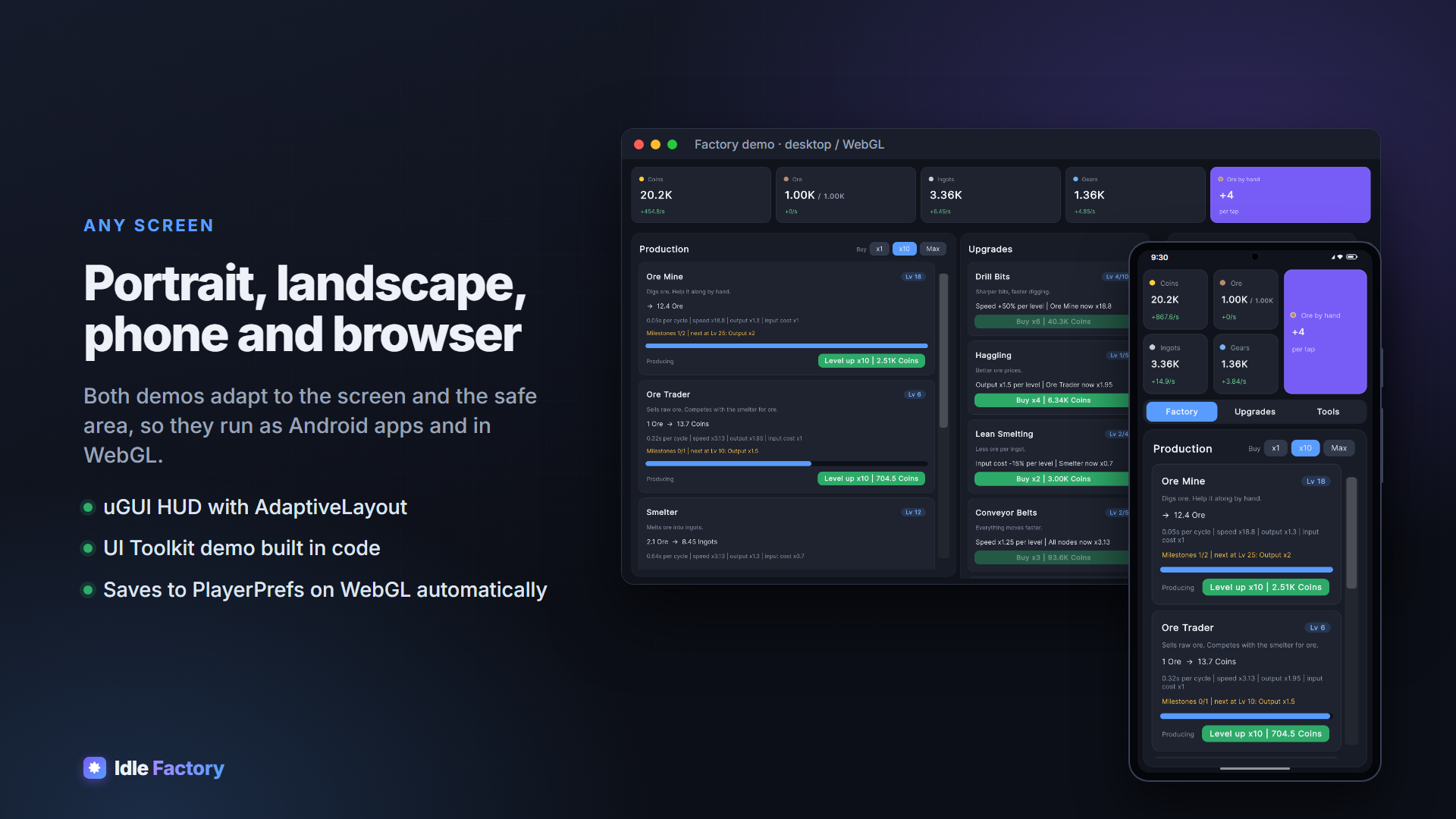
- Adapts to portrait and landscape and respects the safe area (notches, gesture bars)
- Every widget is a small, documented component you can restyle or subclass
EDITOR TOOLS
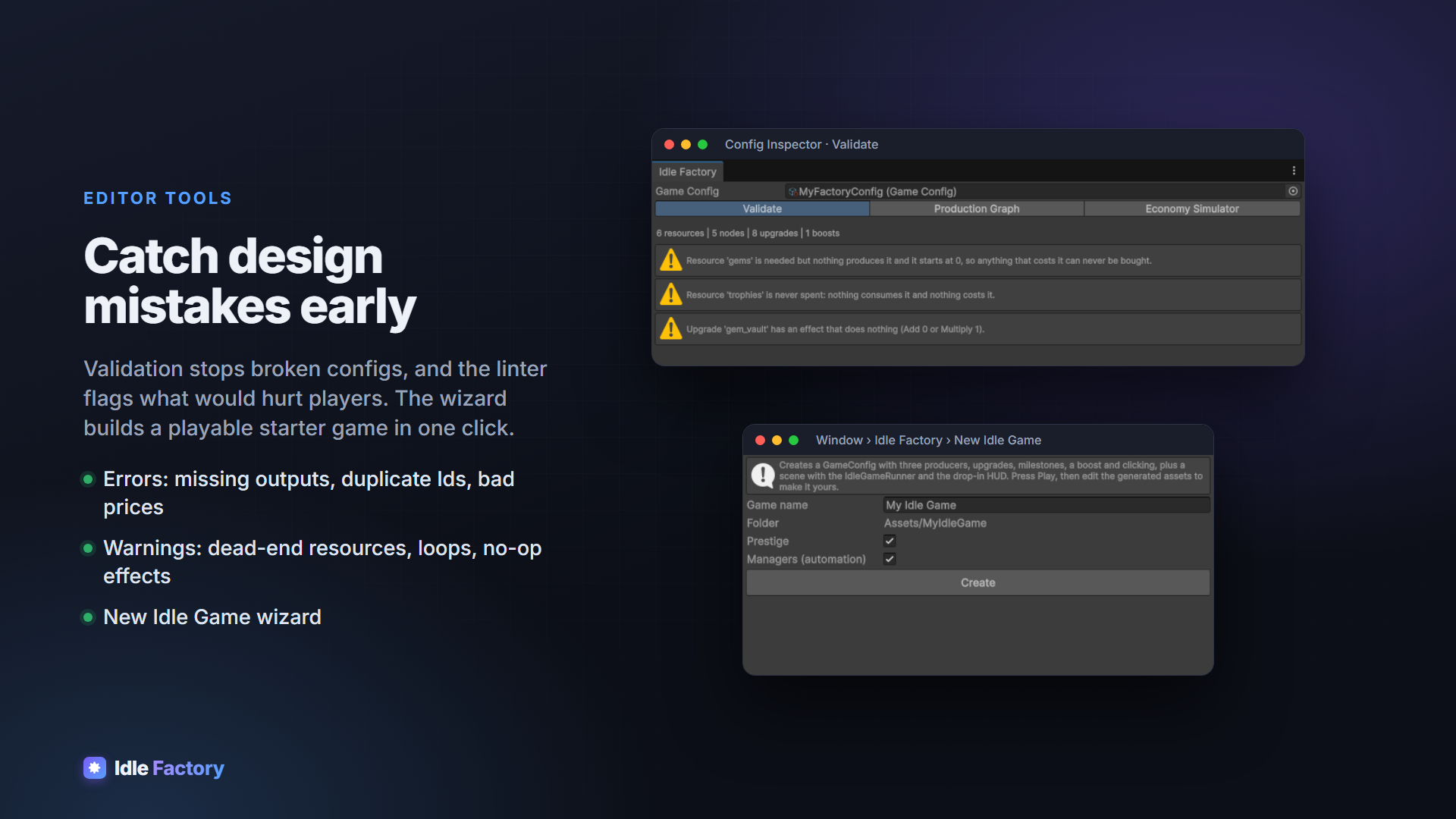
- Config Inspector: validation errors, design lint warnings (dead-end resources, loops, no-op effects) and a production graph
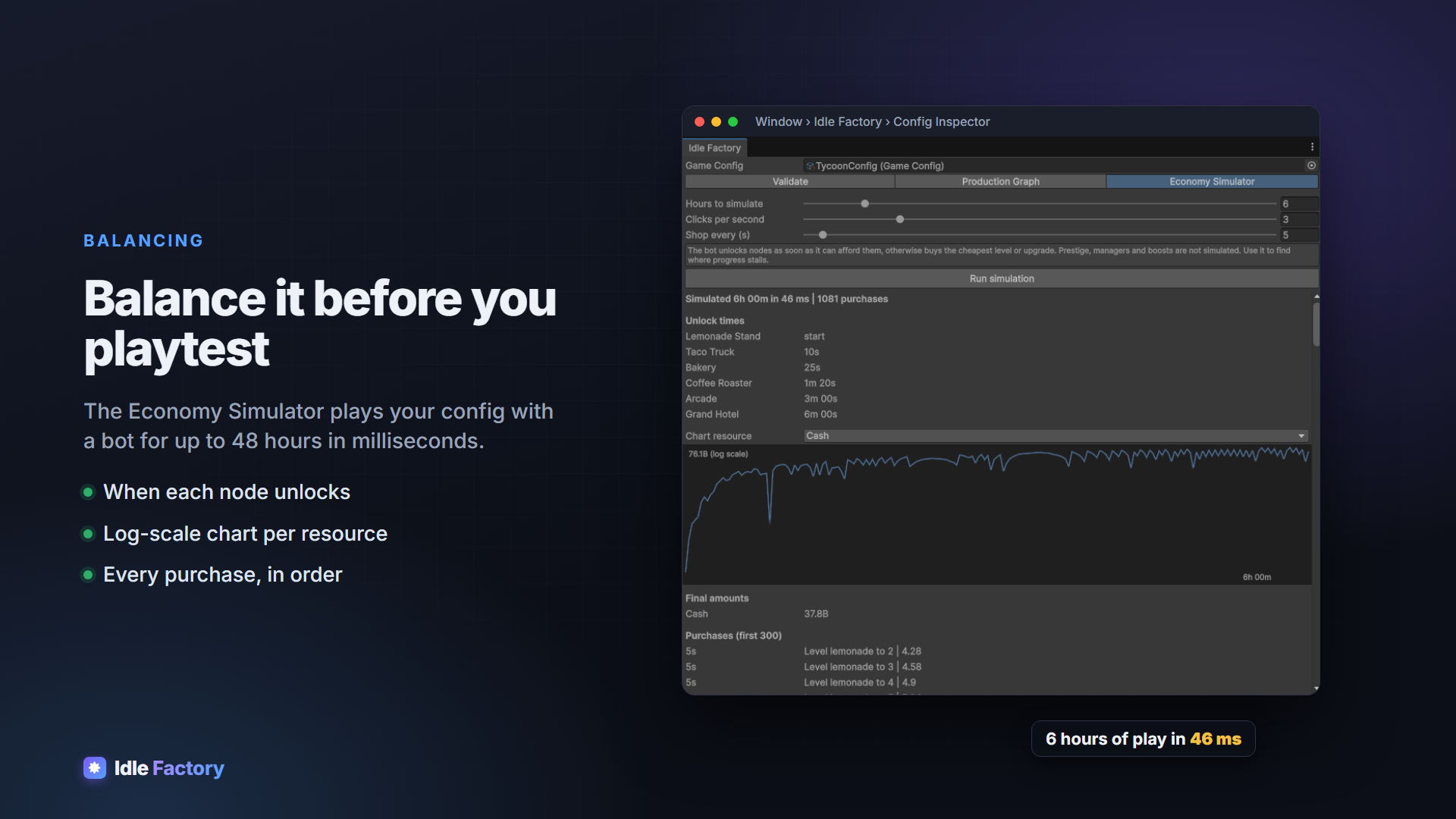
- Economy Simulator: plays your config with a bot for up to 48 hours in milliseconds, with unlock times, a log-scale chart and every purchase
- New Idle Game wizard: a playable starter game in one click
TWO DEMOS
- Tycoon (uGUI): six businesses, managers, ad boosts, prestige, built only from the drop-in prefabs
- Factory (UI Toolkit): a production chain with every upgrade type, plus validation tools (time warp, simulated absence, save/reload/wipe)
FOR PROGRAMMERS
- The engine is plain C# with no UnityEngine dependency, so you can unit-test your economy or validate progress on a server
- Typed events for sounds, VFX and analytics
- Everything is in assembly definitions under one namespace
- Edit-mode and play-mode tests included
- Full documentation included
REQUIREMENTS
- Unity 6 (6000.0 LTS) or newer. Built-in, URP and HDRP; all platforms (tested on Android IL2CPP ARM64 and WebGL)
- No required dependencies. Optional parts switch on when their package is present: uGUI 2.0+ (includes TextMeshPro) for the HUD and Tycoon demo, UI Toolkit for the Factory demo, Mobile Notifications 2.3+ for offline notifications
- No ad SDK is bundled. Connect your own through the RewardedAdProvider bridge
If you have any questions, requests or something isn’t working, please send me an email at: support@hardartcore.com
Release notes
- v1.0.0
- First release.